Disclosure: Tiptoe makes this page, and Tiptoe is one of the apps below. We wrote it to be useful even if you pick something else, and for groceries specifically, a dedicated grocery app will suit many couples better than ours.
The best shared grocery list app for a couple is one that runs on both your phones, syncs as soon as either of you adds an item, and does not charge the second person. For most couples that means AnyList or OurGroceries if you want a real grocery app, Apple Reminders if you both have iPhones and want nothing new, and Google Keep if you already live in Google. Bring suits couples who cook from recipes and like store offers, and Tiptoe suits couples who want the grocery list in the same place as chores and plans.
This holds whether you shop with a husband, wife, boyfriend or girlfriend. All competitor prices and features below come from each company's own site or App Store page, as of November 2026. Prices change, so check before you pay.
What actually matters in a grocery app for two?
Four questions settle most decisions.
- Does it run on both phones? One iPhone and one Android phone rules out some options immediately.
- How do you share? Some apps invite the other person by email. At least one asks you both to sign in to the same account. That matters if you want separate logins.
- Does it sort by aisle or category? A list that groups produce, dairy and frozen saves a lap of the store.
- Does it pull ingredients from recipes? If one of you plans meals from recipes, this saves typing every week.
The fifth question is not about software. A grocery list has the same four jobs as any chore: notice something is running low, plan meals and the list, do the shopping, and follow up by putting things away and noting what is missing. The app records the list. It does not decide who notices the olive oil is nearly empty. More on that below.
AnyList
What it is. A dedicated grocery and recipe app with shared lists.
Price for two. AnyList says "Core functionality, like creating and sharing lists, is free to use." The paid tier, AnyList Complete, is $9.99 a year for an individual or $14.99 a year for a household, as of November 2026.
Platforms. AnyList lists iPhone and iPad, Android, the web on any Mac or PC, a Mac app and Apple Watch on its Complete page.
What it does well. Changes to a shared list show up instantly for everyone sharing it, and items are automatically grouped by category. You can save recipes, import them from websites, add their ingredients to the list, and plan meals on a calendar that pushes ingredients onto your shopping list. The features page shows a limit of 5 next to recipe import for free users, with unlimited on Complete.
Who should pick it. Couples on mixed phones who cook from recipes and want meal planning tied to the list. If groceries are the main thing you want to share, this is a strong fit.
OurGroceries
What it is. A straightforward shared shopping list app.
Price for two. Free with ads. The App Store listing shows in-app purchases to remove ads, including a lifetime option at $19.99, as of November 2026. OurGroceries' FAQ says that when you buy an upgrade, all devices on your OurGroceries account are upgraded too.
Platforms. OurGroceries says it works on iPhone, Android, Apple Watch, a web browser, Echo and more.
How sharing works. This is the main thing to know. The FAQ says you must both sign in to the same OurGroceries account, using one email address from all devices. Separate accounts with different emails will not sync.
What it does well. Automatic grouping into store aisles, recipes that add their ingredients to a list in one tap, photos, notes, quantities and barcodes on items, and Alexa updates.
Who should pick it. Couples on mixed phones who want a free, simple grocery list and do not mind sharing one login.
Bring
What it is. A grocery list app with recipes and store offers. Its brand name is written with an exclamation mark; we write it as Bring here.
Price for two. Bring says all core functions are free of charge. The App Store listing shows Premium at $1.99 a month or $8.99 a year as in-app purchases, as of November 2026. The listing does not say what Premium adds.
Platforms. Bring lists iOS and Android phones and tablets and Apple Watch, with Siri and Alexa. The App Store listing requires iOS 17 or later and also mentions a web version.
What it does well. Lists sync in real time across devices, and push notifications tell the other person when items are added or bought. You can save recipes and add their ingredients in one click, and browse retailer brochures and add current offers to your list.
Who should pick it. Couples who like new recipe ideas and want to see store deals while they plan. If you want a quiet list with nothing else in it, one of the others may suit you better.
Apple Reminders (Groceries list)
What it is. The Reminders app on iPhone, which has a Groceries list type.
Price for two. Free. It comes with iPhone.
How it works. Apple's guide says that in iOS 17 and later you can choose Groceries as a list type, and Reminders automatically sorts items into sections such as produce, meat or frozen foods. If an item lands in the wrong section, you drag it to the right one and the list remembers next time. You need iCloud turned on for Reminders.
Sharing. In a shared Reminders list, you can assign items to a person after the list has been shared, and the other person has to accept the invitation first.
Who should pick it. Two iPhone users who want no new app, no new account and no cost. It is the lowest-effort choice for that couple.
Google Keep
What it is. Google's notes and checklists app, which works well as a shared grocery list.
Price for two. Listed as free on the App Store, as of November 2026. The iPhone version requires iOS 18 or later.
How sharing works. You add collaborators to a note by entering a name, email address or Google Group. Google has the same instructions for Android phones. Collaborators can edit lists. One thing to know: if you delete a shared note that you own, it is deleted for everyone. The App Store listing says shared lists update in real time and that Keep works on phones, tablets and computers, with a web version.
What it does not do. It is a checklist, not a grocery app, so there is no aisle sorting or recipe import in what we checked.
Who should pick it. Couples on mixed phones who already use Google and want a plain list with nothing to learn.
Tiptoe lists
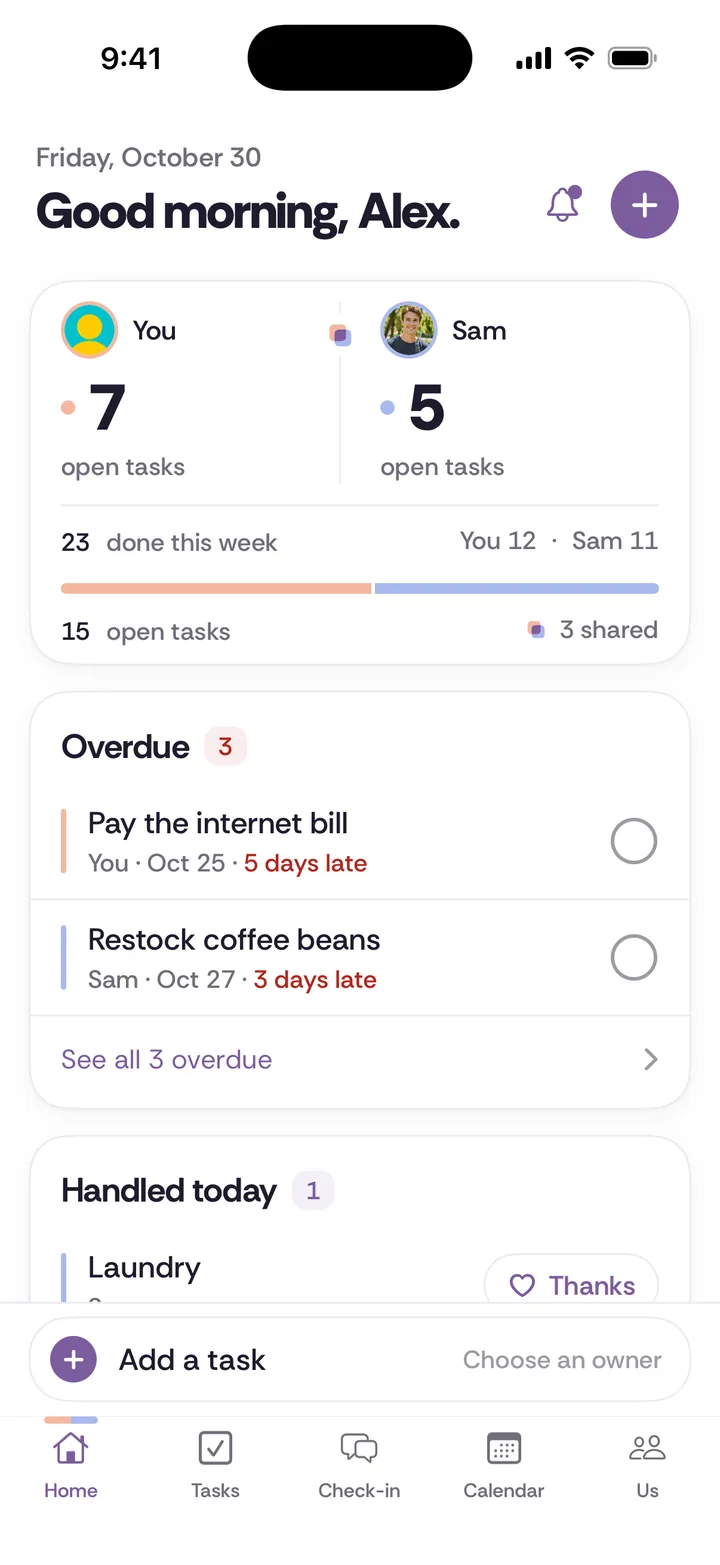
What it is. Tiptoe is a shared tasks and chores app for couples, and it includes shared lists alongside tasks, recurring chores, a calendar and a weekly check-in.
Price for two. Free for both partners with no card. The free plan covers the couple's first 30 tasks and chores. Pro is $9.99 a month and covers both partners.
Platforms. iPhone, and the web at app.tiptoe.ai. There is no Android app, so a partner with an Android phone would use the web version.
What it does well. The grocery list sits next to the jobs around it. "Plan this week's dinners" can be a recurring chore with one owner, and "pick up the order" can be a task assigned to you, your partner, or both of you together.
What it does not do. Tiptoe is not a dedicated grocery app. We do not list aisle sorting, recipe import or store offers as features. If those matter, choose AnyList, OurGroceries or Bring.
Who should pick it. Couples whose real problem is not the list but who keeps track of it, and who want groceries, chores and plans in one place. See Tiptoe tasks and lists.
Who should own the grocery list?
The app you pick will matter less than how you divide the job. A shared list can still be one person's job if only one person ever notices what is running out.
Here are three ways couples split groceries, each with the four jobs spelled out.
One owner, whole job. Alex owns groceries. Alex notices what is low, plans the week's meals, shops and puts it away. Sam's only job is to add an item to the list the moment Sam uses the last of something. This is the simplest split, and it works best when Sam owns another whole job of similar size, such as laundry or bills.
Split by stage. Sam plans meals and builds the list on Sunday. Alex does the shop on Monday and puts everything away. This works if the handoff is clear: the list is final by Sunday night, and anything added after that goes on next week's list.
Alternate weeks. One week Sam owns all four jobs, the next week Alex does. This works for couples who both cook and have similar standards. It fails when one person's weeks keep slipping, so review it after a month.
Whichever you choose, agree on one house rule:
Whoever uses the last one adds it to the list. Not "mentions it," not "remembers to tell you." Adds it.
That single rule takes the noticing job off one person's shoulders. Our guide on the four jobs in every chore explains why noticing is where the mental load usually sits.
Specific situations
One iPhone, one Android. Use AnyList, OurGroceries, Bring or Google Keep, which all list both phones. Skip Apple Reminders.
You want separate logins. Avoid OurGroceries' shared-account model and use an app that invites by email, such as AnyList or Google Keep.
One of you plans meals, the other shops. AnyList's meal planning calendar or Bring's recipe import fits this well, because the planner's recipes become the shopper's list.
Groceries cause arguments about money. That is not a list problem. Agree a weekly grocery budget first. Our sibling guide on splitting rent and bills when moving in together includes groceries in its worked examples, and couples money has more.
The list app keeps getting abandoned. Usually one person set it up and the other never really joined. Our sibling guide on getting your partner to use a shared app covers how to fix that.
The free, no-app version
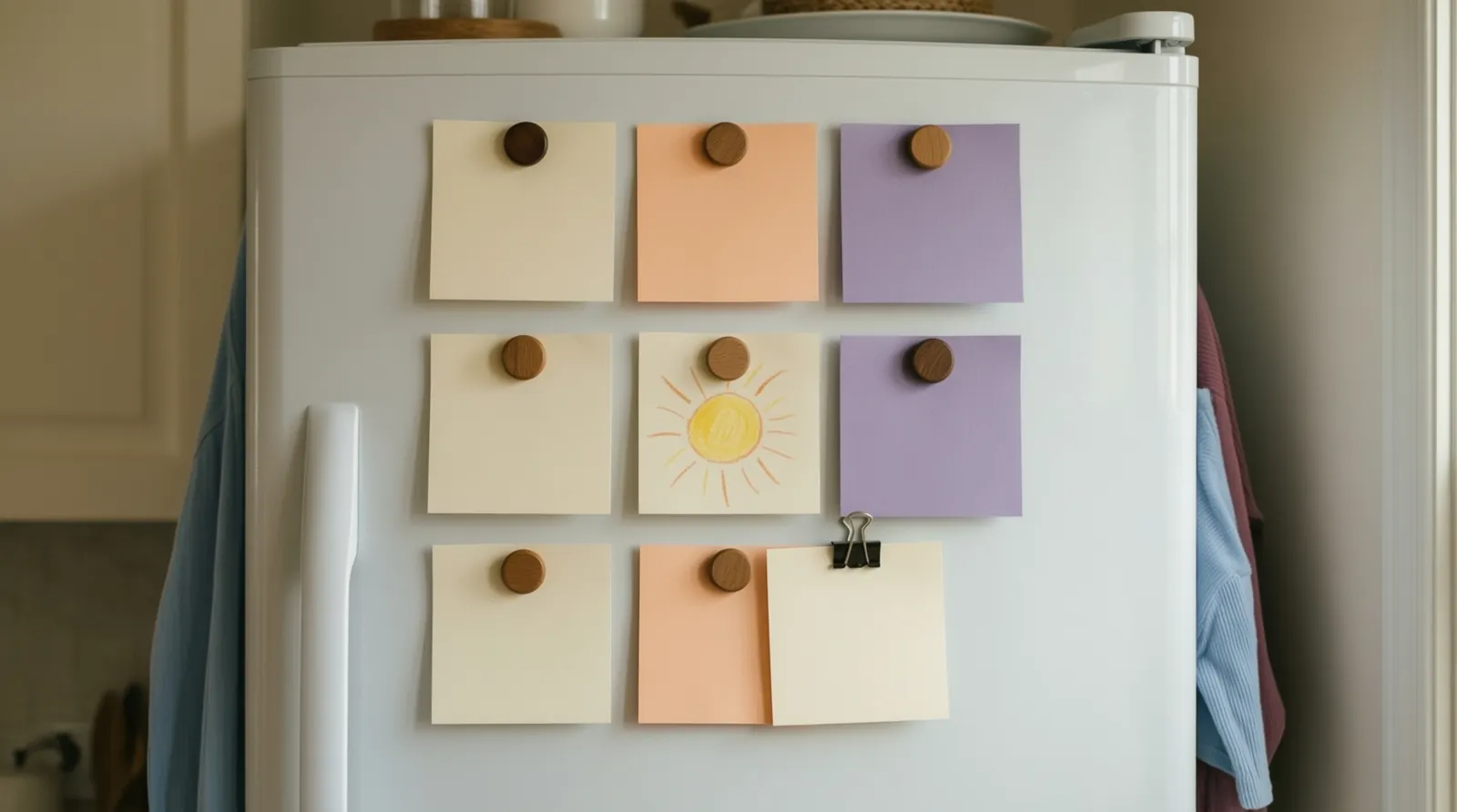
A magnetic notepad on the fridge and one rule: whoever uses the last one writes it down. Whoever shops takes a photo of the pad before leaving. It is not as fast as a synced app, but it costs nothing and works on every phone.
If you are setting up more than groceries, our roundup of the best chore apps for couples covers tools built for shared housework.