To get your partner to use a shared calendar or to-do app, stop asking them to "use the app" and instead hand them one whole job that lives in it, on a tool that already works on their phone. People keep using a shared app when it saves them effort and holds their own stuff. They drop it when it becomes a place where someone else assigns them chores and checks up on them.
This is the same whether you are trying to get a husband, wife, boyfriend or girlfriend on board. The usual mistake is not the choice of app. It is setting the app up alone, filling it with your list, and then asking the other person to come and look at it. That makes you the manager of the app, which is one more job on top of the ones you were trying to share.
Why do shared apps fail between couples?
Most shared apps fail for one of five reasons, and only one of them is about the software.
- It does not work on both phones. If one of you has an Android phone, an iPhone-only app is over before it starts.
- It holds only one person's life. A calendar with only your events is your calendar. Your partner has no reason to open it, because nothing in it is theirs.
- It became a nagging channel. If every notification your partner gets is a request from you, the app starts to feel like a supervisor. People mute supervisors.
- Nobody owns the setup. One person built it, so one person maintains it. When that person gets busy, the app quietly dies.
- The real disagreement is not about the app. If you disagree about who should do the work at all, a tool will not settle it. It will just record the disagreement.
Every chore has four jobs: notice it needs doing, plan it, do it, and follow up. A shared app can carry the planning and the reminder. It cannot make someone notice on their behalf, and it cannot make them care about follow-up if they never agreed to own the job. That is why getting someone to "use the app" really means agreeing who owns what. Our guide to the four jobs in every chore explains this in more detail.
Step by step: how to get your partner using it
Step 1. Ask what is annoying them, not what is annoying you. Start with their problem. Most people will use a tool that fixes something that bugs them.
Is there anything about how we keep track of plans that drives you nuts? Like finding out about a dinner the day before, or me texting you the same thing three times?
If they say "you texting me lists at work," that is your opening. The app can replace the texts.
Step 2. Pick the tool that already fits both phones. Check before you suggest anything. If you both have iPhones, Apple Reminders and Calendar are already installed. If one of you uses Android, choose something that runs on both. Do not ask your partner to download something new if a tool on their phone will do.
Step 3. Set it up together, in five minutes, on their phone. Sit next to each other. Let them hold their own phone and accept the invite themselves. Small detail, big difference: if you do it for them, it is still your app.
Step 4. Move one whole job, not a list of errands. Pick one area your partner will own end to end. Examples: "the car," "the dog's vet and meds," "birthdays on your side of the family," "recycling and trash." They add the items, set the repeats, and get the reminders. You stop tracking that job entirely.
Step 5. Put their things in first. Before you add a single request, add things that are theirs: their dentist appointment, their friend's birthday, their gym class. The first thing your partner sees should be useful to them.
Step 6. Agree on one capture rule. Decide together what happens when something comes up in conversation. A good one is: "Whoever says it, adds it." If you mention the plumber is coming Tuesday, you put it in. If they promise to call their mom about Thanksgiving, they put it in. This stops one person from becoming the household's secretary.
Step 7. Look at it together once a week. Ten minutes on a Sunday. What is coming up, what slipped, what needs a new owner. This is where the app turns into a shared habit instead of one person's system. A short weekly check-in works well for this, and you can use our sibling guide on running a weekly household meeting.
What to say to bring it up
How you raise it matters more than which app you pick. Here are scripts for the most common starting points.
If you have been carrying the whole calendar:
I've been the one keeping track of all our plans, and I'm dropping things because it's all in my head. I'd like us to have one place we both put stuff. Can we try it for a month and see?
If your partner says "just tell me what to do":
I appreciate that you'll do it. The problem is that telling you is the part that wears me out. I'd rather you own a few things completely, so I don't have to remember them at all. Could you take the car and the trash, start to finish?
This is the shift from helping to owning. Our guide on splitting chores fairly covers how to choose which jobs move.
If your partner says "I don't like apps":
That's fine. I don't need you to love it. I need one place where I can see what's coming without asking. If a whiteboard on the fridge works better for you, let's do that instead.
If you have tried before and it fizzled:
Last time we tried a shared list, I think I set it up and it ended up being my list. Can we set it up together this time, and you pick a couple of things that are yours?
Keep the tone plain. You are not asking them to change who they are. You are asking for one shared place to look.
Specific households and what tends to work
One iPhone, one Android. Use something that runs on both, or use a shared Google Calendar. On Google Calendar, sharing is set up from a computer: you add the person's email, choose a permission level such as "See event details" or "Make changes and see event details," and they must click the link in the email to add your calendar. Do that last step together so it does not sit unread in their inbox.
Two iPhones. Apple Reminders lets you assign items to a person in a shared list, but you can only assign a reminder after you have shared that list, and the other person has to accept the invitation first. The same page says that in iOS 17 and later you can set an early reminder so an assignee gets notified before an assigned task is due. Share the list, have your partner accept, then assign.
One of you works shifts. Put the shift schedule in first. When the other partner can see the shifts, they stop booking things on nights that were never free. This alone can be enough reason for someone to open the calendar daily.
One partner has ADHD or struggles with reminders. Fewer, clearer notifications beat many. Let them set their own reminder times, and keep each item specific: "Buy dog food (the blue bag, 30 lb)" instead of "dog stuff." Our guide on ADHD and chores in a relationship has more on this.
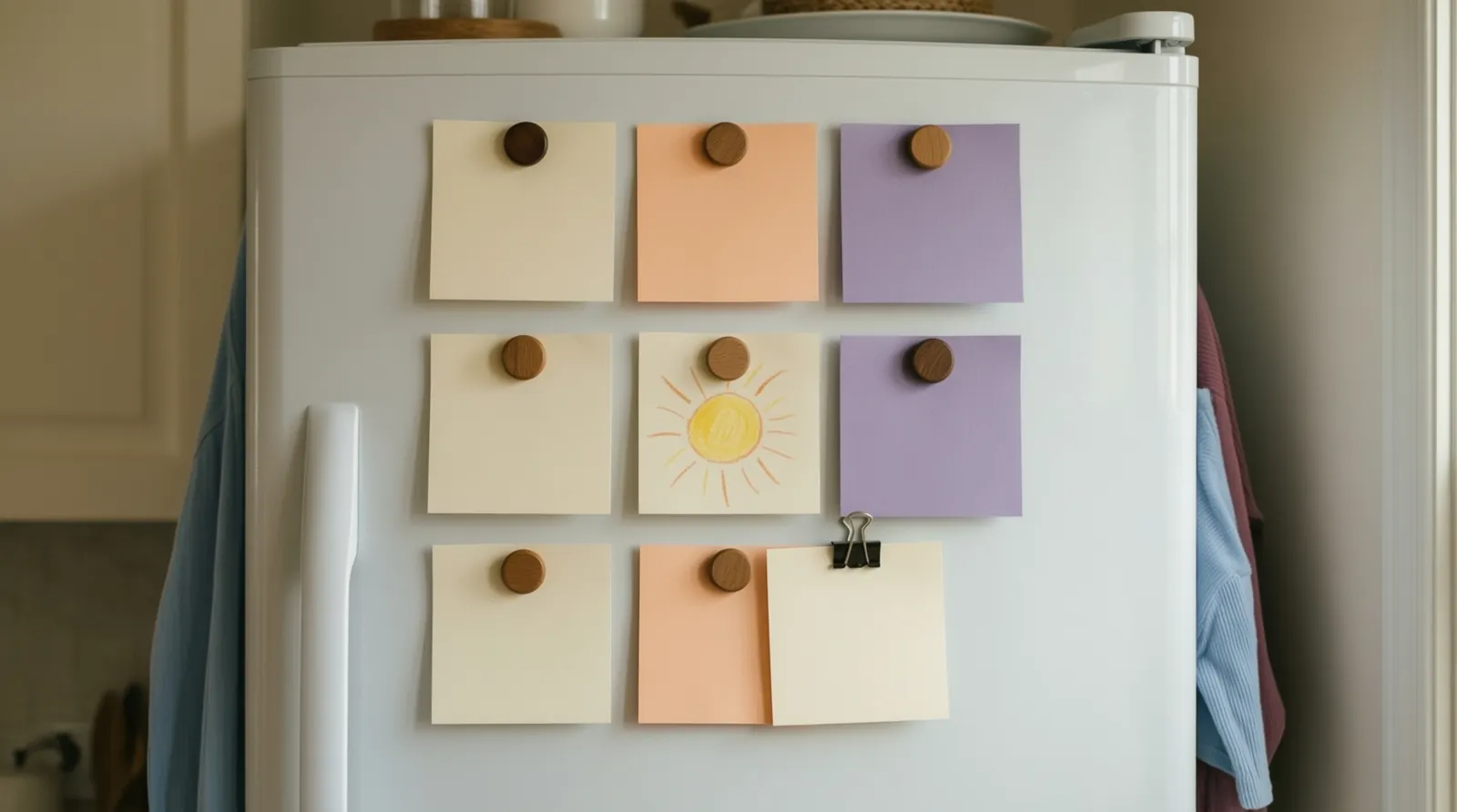
A partner who prefers paper. Give them paper. A fridge whiteboard with two columns, one for each of you, does nearly everything a to-do app does. The goal is one shared, visible place, not a specific app.
New parents. Start with the baby's appointments, feeds or naps only if you both want that, and the rotation of who is on nights. Our sibling guide on splitting chores with a new baby goes further.
What not to do
Some moves make an app feel like surveillance. Avoid these even when you are frustrated.
- Do not assign things without talking about them. An item that appears on someone's list with no conversation feels like an order.
- Do not use completion to keep score. "You did 4 and I did 19 this week" will end the app faster than anything. If something feels uneven, raise it in conversation. Our guide on keeping score in a relationship explains why tallies backfire.
- Do not remind them about items they own. If they own the car, the oil change reminder is theirs. If it slips, talk about it at the weekly look, not with a text at 3pm.
- Do not redo their items. If they mark it done and you would have done it differently, agree on what "done" means for that job, then let their version stand.
- Do not add everything at once. A list with 60 items on day one tells your partner "here is everything you have been failing at." Start with 5 to 10.
If the app stops working, ask what changed before you change the tool. Usually one of you stopped adding things, or the reminders got too noisy.
How do you know it is working?
Look for these signs after two to four weeks.
- Your partner adds items without being asked.
- You find out about plans from the calendar rather than from them telling you the day before.
- You have stopped tracking the jobs you handed over, and they still get done.
- You talk about the list at the weekly look, not in the middle of the day.
If none of these happen, the problem is probably not the app. Go back to whether you agreed who owns what. Our guide to when one partner does more walks through how to have that conversation calmly, and how to stop nagging covers what to do instead of reminding.
When it is not about the app
Sometimes the app is a stand-in for a bigger disagreement. If your partner says "I'm not doing more housework, an app won't change that," then the conversation you need is about the split itself, not the tool. Start with the chore split and a worksheet you fill in together, such as the chore split worksheet.
A shared calendar should never be a way to track where someone is or to check up on them. If shared tools are being used to watch, control or pressure you, or you feel afraid to say no, that is a different situation. Read our safety page.
Where Tiptoe fits
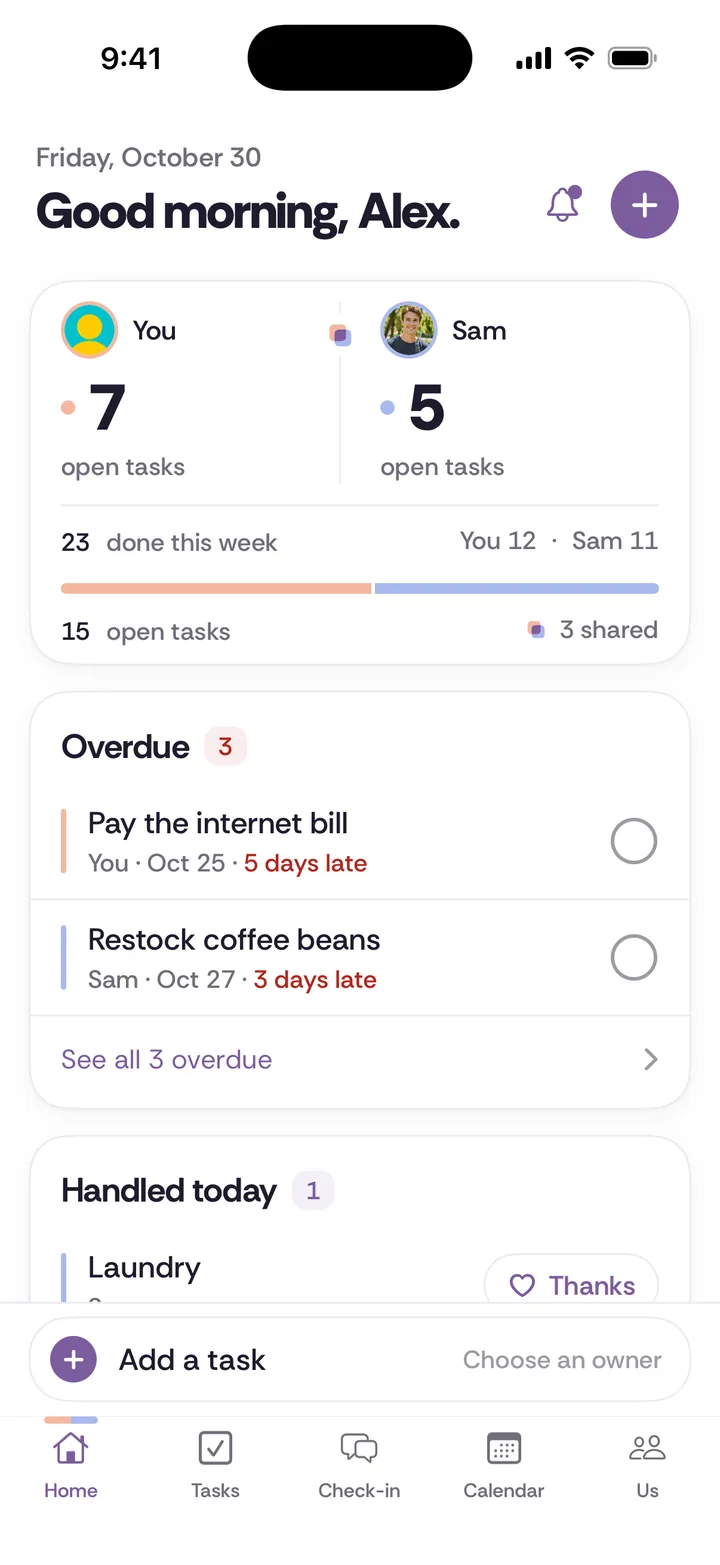
If you want chores, tasks, lists and a calendar in one place built for two people, Tiptoe is one option. Each task is assigned to you, your partner, or both of you together. A completed item counts for the person it was assigned to, so credit follows ownership without anyone keeping a tally. It is free for both partners with no card, and covers the couple's first 30 tasks and chores. It runs on iPhone and on the web at app.tiptoe.ai, so a partner with an Android phone would need to use the web version.
If that does not fit, the free version of this whole guide is a whiteboard, two columns, and ten minutes on Sunday. The habit matters more than the tool.