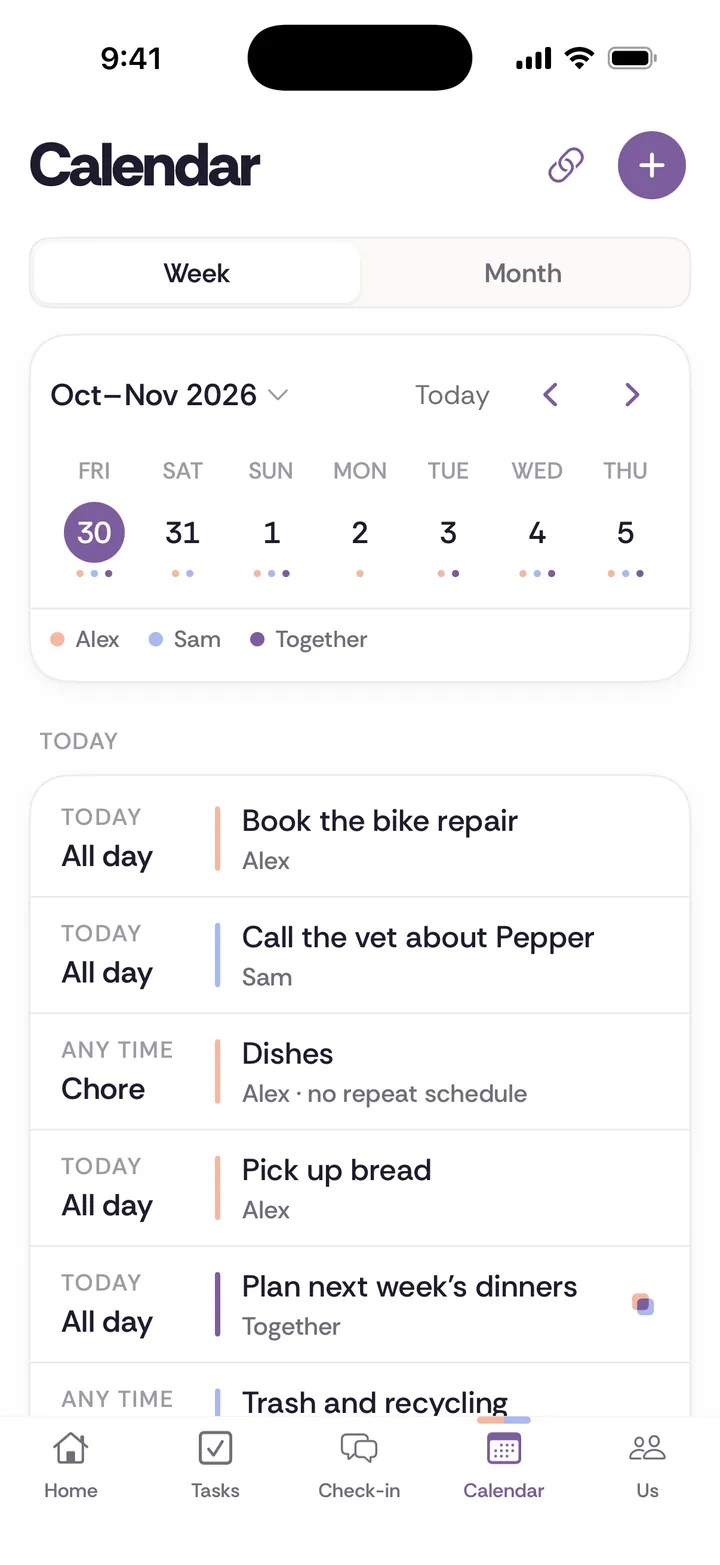
To share your iPhone calendar with your partner, open the Calendar app, tap the Calendars button, tap the Info button next to an iCloud calendar, tap Add Person, enter your partner's name or email, and tap Done. They get an invitation and need to accept it. You can do this with a husband, wife, boyfriend or girlfriend in about a minute, and the best setup for most couples is a new calendar made just for shared plans, rather than the one holding everything in your life.
The steps below come from Apple's iPhone User Guide, which shows iOS 27 as the current version, checked in November 2026. Apple's guide shows these as icons, so look for the small buttons in the same place on your screen.
Which calendar should you share?
Apple's guide applies to iCloud calendars, and you share one calendar at a time, so you get to choose what goes on it. Consider making a new one.
- A new "Us" calendar, shared. It holds appointments, travel, school runs, dinner with friends and anything else that needs both of you.
- Your own calendar, private. Work, personal appointments and a friend's surprise party stay on your own calendar, and they will not appear for your partner unless you share that calendar too.
Most couples do not need to see every dentist appointment and work meeting. They need to know what affects them both.
How do you create a shared calendar on iPhone?
Here is how to create an iCloud calendar.
Step 1. Go to the Calendar app on your iPhone.
Step 2. Tap the Calendars button.
Step 3. Tap Add Calendar, then tap Add Calendar again in the menu that appears.
Step 4. Enter a name, such as "Us," and tap the Done button.
Apple adds that if iCloud is not your default calendar, you should tap Accounts, then tap iCloud.
How do you invite your partner?
Step 1. In the Calendar app, tap the Calendars button.
Step 2. Tap the Info button next to the iCloud calendar you want to share.
Step 3. Tap Add Person, then enter a name or email address, or tap the Add button to browse your contacts.
Step 4. Tap the Done button.
Apple says those you invite receive an invitation to join the calendar. It also notes that your contact must have an email address on file. If you pick your partner from Contacts and it does not work, check that their card has one. Apple says invitees need an Apple Account and must use iCloud to use a privately shared calendar.
How do you control whether your partner can edit?
This is worth checking, since most couples want both people to add events.
Step 1. Tap the Calendars button, tap the Info button next to the shared calendar, then tap your partner's name.
Step 2. Turn Allow Editing on or off.
With editing on, they can create, edit and delete events. With editing off, they can only view it.
On that same screen, you can stop sharing with that person. Apple's iPhone guide shows a Delete button, while its personal safety guide calls the option Stop Sharing, so look for either one. That guide also warns that when you delete or stop sharing a calendar, other participants may be notified.
How do you stop the alerts for every change?
Apple says you are notified when someone changes a calendar you're sharing. If that gets noisy, you can turn it off.
Step 1. Go to the Settings app.
Step 2. Tap Notifications, then tap Calendar.
Step 3. Tap Customize Notifications, then turn off Shared Calendar Changes.
Some couples prefer to keep these on for a while, since an alert is what tells you that your partner just booked the Thursday you were counting on.
What about Family Sharing?
If you already use Family Sharing, you may have a shared calendar already. Apple says that once members accept their invitations, Family Sharing is set up on each device, including a shared calendar and a shared photo album. The group includes the organizer and up to five other members.
Family Sharing brings more with it, such as shared subscriptions and purchases, and location sharing settings to review. If all you want is a calendar for two, the steps above are simpler. If you already have the group, look for the shared calendar in your calendar list.
What if your partner has an Android phone?
Private sharing needs an Apple Account and iCloud, so it's a poor fit for an Android partner. You have two reasonable routes.
Read-only link. Apple lets you make a calendar public and send a link. Tap the Calendars button, then the Info button, turn on Public Calendar, and tap Share Link. Anyone who has the URL can subscribe, but they cannot change anything. Because anyone with the link can view it, don't use this for details you would mind a stranger seeing.
Use Google instead. Many couples with mixed phones keep the shared calendar in Google. The Google Calendar app is listed for iPhone, and our guide on how to share a Google Calendar with a spouse has the steps.
What goes on a shared calendar?
A shared calendar works best with a simple rule that both of you have agreed to. Try this one:
If it needs the other person to do something, change something, or know something, it goes on Us.
In practice, these belong on it:
- Anything needing childcare or pet care. "Sam away Tues to Thurs. Who has the dog?"
- Anything that uses the one car.
- Social plans you've said yes to on behalf of you both. A shared calendar helps here, but it's not the same as asking.
- Bills and renewals that have a real date, like the car registration.
- Date nights. See our guide to date nights if they keep getting bumped.
And these can stay off it:
- Your own work meetings, unless they change the school pickup.
- Personal appointments you would rather keep to yourself.
- Gift shopping.
Who keeps the calendar up to date?
A shared calendar can quietly become one person's job. If only one of you adds things, the other reads it like a schedule they were handed. Every household job has four parts: notice, plan, do, and follow up, and a calendar has all four too.
- Notice. Someone sees the school email saying picture day has moved.
- Plan. Someone works out who is covering it.
- Do. Someone adds the event and turns up.
- Follow up. Someone checks the form went in.
If the same person always does the first two, that's the mental load, and a shared calendar doesn't move it. You could do this instead: give each part of family life a single owner. One person owns everything for school and all of its dates. The other owns the car, medical appointments and travel bookings. The owner of an area adds the events for it, and the other person reads the calendar and doesn't need to ask.
A short weekly look helps more than any setting. Sit down for ten minutes on Sunday and go through next week together. Our weekly check-in guide has a simple format, and couples calendar covers the wider habits.
What might this look like in your house?
Two jobs, no kids. One shared "Us" calendar with editing on for both of you. It holds trips, dinners and home visits, like the plumber on Tuesday. Your work calendars stay separate, and each of you adds an "Away" entry to Us when work takes you somewhere.
Parents of a school-age child. Two shared calendars can work better than one: "Us" for adult plans and "Kids" for school and activities. The owner of each area keeps its calendar up to date, and the other parent only has to read it. That split also makes it obvious who to ask when something on it changes, which saves a lot of back and forth on a busy school morning.
Shift work. The person with the changing schedule adds their shifts to Us once a roster comes out, as one job, rather than in bits. Then the other person doesn't need to ask, "Are you on this Saturday?"
Long distance. Mostly use it for visits and calls. Check that both of you are reading events in the time zone you expect the first time you add one.
What should you check if it isn't working?
Going by Apple's guide, these are the things to check.
- Is it an iCloud calendar? Apple's sharing steps apply to iCloud calendars. If you don't see the sharing option, the calendar may be stored in another account, such as Google. In that case, follow that service's steps, or create a new iCloud calendar.
- Did your partner accept? They receive an invitation to join, and it won't show until they do.
- Does the contact have an email address? Apple's note says it must.
- Are they using iCloud? Apple says invitees need an Apple Account and must use iCloud.
- Can they view it but not change it? Check that Allow Editing is on for their name.
What can you say to suggest this?
If your partner may read a calendar invitation as being checked up on, say what you actually want before you send it.
"I'd like us to stop double-booking without you having to tell me everything you're doing. Can we make one calendar just for things that affect both of us? Yours stays yours."
If you are getting an invite you didn't ask for:
"I'm fine with a shared calendar. Can we agree what goes on it, so it isn't a record of my whole day?"
A shared calendar should make life easier for both people. If a partner is demanding access to your calendar to track where you are, or you feel afraid to say no, that is a different situation, and you deserve support. Our safety page has resources, and Apple's personal safety guide explains how to review your calendar sharing.
What should you do if you need more than a calendar?
The iPhone calendar handles events. It won't tell you who owns the recurring work around those events. For that, shared Apple Reminders is a free next step, and it pairs well with a shared calendar on two iPhones. If you want tasks, chores, a calendar and a weekly check-in in one place, Tiptoe does that on iPhone and web, and connecting an existing calendar is optional.
You can also do this with no app at all. A paper calendar on the fridge, a pen on a string and ten minutes on Sunday still work very well.